What Type of Hosting Do I Need for My Website?
With hundreds of thousands of providers all claiming to be “the best” in a hosting market now valued at close to $200 billion, figuring out what type of hosting you need can feel harder than actually building the site. The good news is that the decision usually comes down to just three questions: what kind of site are you running, how much traffic does it get, and how comfortable are you with technical setup. Answer those honestly, and the right category becomes obvious fast.
Below, we walk through a simple framework for matching your project to a hosting type, then link out to deeper comparisons if you want to go further on any specific pairing. Think of this as the starting point that points you toward the right answer, not a repeat of every detail. You’ll also find answers to the questions people ask most when trying to decide.
Ask Yourself These Three Questions First
- What kind of site is this? A blog, portfolio, or brochure site has very different needs than an online store or a custom web application.
- How much traffic do you expect over the next 12–24 months? Not just today. Seasonal spikes, marketing pushes, and organic growth all matter here.
- How much do you want to manage yourself? Some hosting types hand everything to the provider; others expect you to configure and maintain the server.
Your answers to these three questions point almost everyone toward one of a small number of clear categories, covered next.
Match Your Site to a Hosting Type
| If Your Site Is… | You Probably Need | Typical Price |
|---|---|---|
| A blog, portfolio, or brochure site | Shared hosting | $2–$10/mo |
| A growing WordPress blog or business site | Managed WordPress hosting | $3–$25/mo |
| An online store expecting steady sales | Cloud or managed WooCommerce hosting | $10–$30/mo |
| A site outgrowing shared resources | VPS hosting | $7–$30/mo |
| A high-traffic or resource-intensive application | Dedicated or enterprise cloud hosting | $80–$500+/mo |
Figures reflect typical 2026 industry ranges and vary by provider and included resources.


Weighing Two Options Specifically? Go Deeper Here
If the table above leaves you deciding between two close options, these breakdowns go further into each specific pairing:
- Torn between the two most common starting points? See Shared vs Cloud Hosting for how they compare on price and traffic spike handling.
- Outgrowing shared but not sure how far to go? See Shared vs VPS Hosting for a breakdown of control, cost, and technical demands.
- Deciding who should manage the server? See Managed vs Unmanaged Hosting for how that choice affects both price and responsibility.
- Still fuzzy on the basics? Our beginner’s explainer covers the core concepts in plain language first.
A Few Special Cases Worth Calling Out
- Running multiple client or portfolio sites? A business-tier shared plan supporting dozens of sites, or a reseller-friendly host, usually beats buying separate plans for each project.
- Building a membership or course site? Shared hosting works fine below roughly 100 active students, as long as the plan meets your LMS plugin’s requirements for a currently supported PHP version and memory limit.
- Not sure how much traffic you’ll get? Start with shared or managed WordPress hosting regardless. It’s far easier to upgrade later than to overpay for capacity you might never use.
One Provider, Every Tier You’re Likely to Need
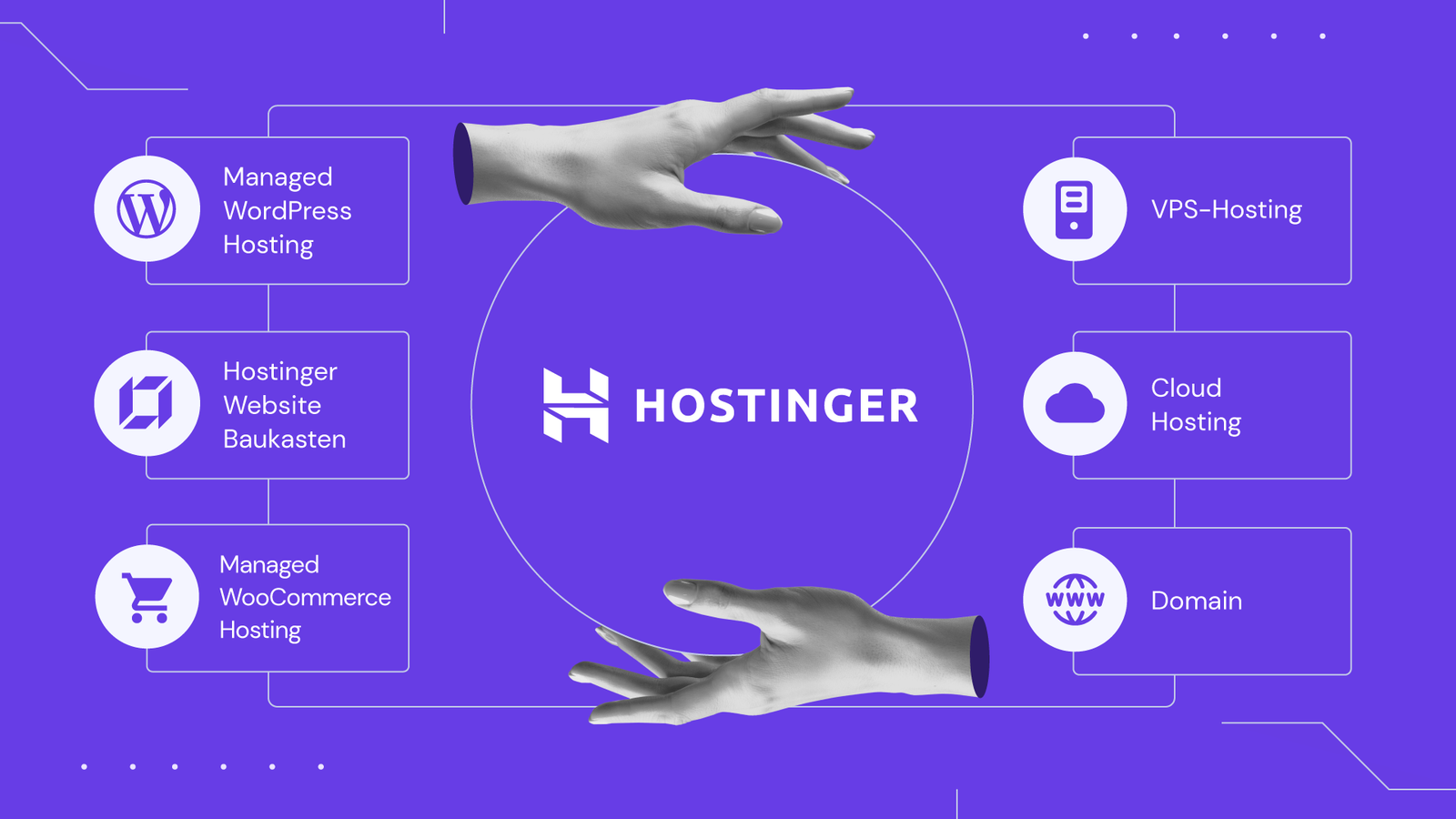
Whichever category the table above pointed you toward, it’s worth choosing a provider that offers a clean upgrade path between tiers, so you’re not migrating to a new company every time your site grows. Hostinger covers most of the categories above under one account: shared plans starting around $2.69/month, managed WordPress and WooCommerce hosting, and Cloud or VPS tiers for sites that have outgrown shared resources.
A few reasons that matters in practice:
- Upgrading is a plan change within the same dashboard, not a full site migration to a different host.
- The same support team and account carry over as your needs change.
- You can start at the cheapest tier that fits today and scale only when your traffic actually demands it.
- A 30-day money-back guarantee lets you test your first choice with limited risk.
People Also Ask
What type of hosting is best for a beginner?
Shared hosting is the right starting point for almost every beginner. It’s affordable, requires no server management knowledge, and typically includes one-click WordPress installation to get a site live quickly.
How do I know if I need VPS instead of shared hosting?
Consider VPS once your traffic consistently exceeds roughly 25,000 monthly visitors, you regularly hit shared resource limits, or you need custom server software that shared hosting doesn’t allow.
Do online stores need special hosting?
Generally, yes. Checkout and cart pages can’t be cached the way normal content can, so stores benefit from hosting optimized for WooCommerce or a managed cloud plan, rather than basic shared hosting.
Can I change hosting types later if I choose wrong?
Yes, in most cases. Many providers, including Hostinger, let you upgrade from shared to VPS or cloud hosting under the same account, avoiding a full migration to a different company.
Is it better to overestimate or underestimate my hosting needs?
It’s generally better to start with what you actually need today rather than overpaying for capacity you might not use for years. Upgrading later is usually simpler and cheaper than carrying an oversized plan from day one.
Final Takeaway
Figuring out what type of hosting you need comes down to matching your site type, expected traffic, and technical comfort level to one of a handful of clear categories. Most beginners land on shared or managed WordPress hosting, and that’s the right call for the vast majority of new sites. Hostinger covers that starting point and every tier beyond it under one account, so today’s decision doesn’t lock you in permanently. If you’re weighing two specific options more closely, the deeper comparisons linked above go further into each one.