Website Hosting Explained for Complete Beginners
You’ve decided to build a website, and the moment you start researching, you’re hit with unfamiliar terms: hosting, server space, domain, uptime, SSL. Sound familiar? This guide skips the jargon and explains website hosting the way you’d explain it to a friend over coffee, no prior knowledge assumed.
By the end, you’ll understand what hosting actually is, why you need it, and which unfamiliar words are worth knowing versus safely ignoring. We’ll also clear up a few common misunderstandings that trip up almost everyone starting out. If you want the more technical, step-by-step version of how hosting works behind the scenes, our guide on what web hosting is and how it works covers that in more depth.

Imagine Building a House
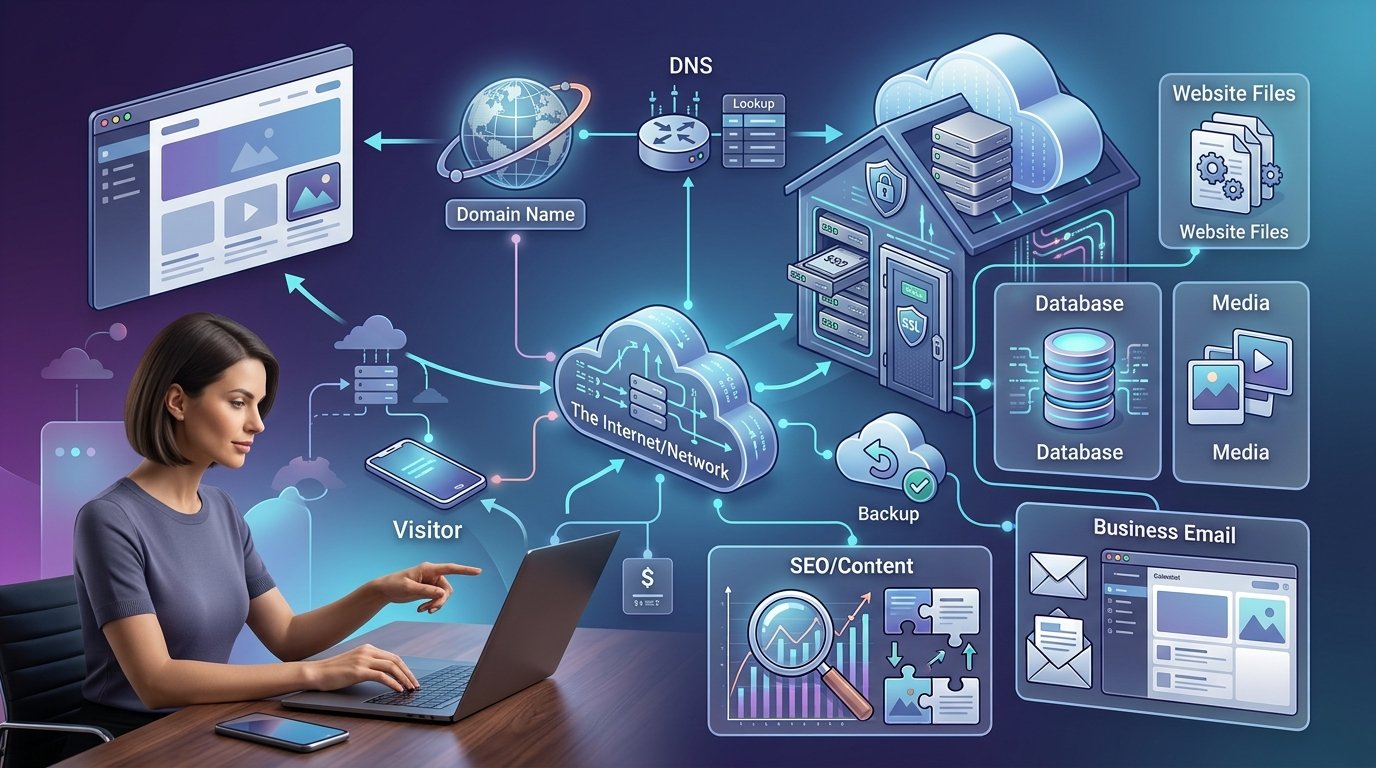
Picture your website as a house. You’ve got the design, the furniture, everything ready to move in. But a house needs land to sit on. Website hosting is that land. Without it, your beautifully designed site simply has nowhere to exist.
Your domain name, something like yourbusiness.com, is the street address. It’s how people find your house. But the address alone doesn’t build anything; it just points people to the right spot. The actual structure, every page, image, and piece of content, lives on the hosting itself. That’s the piece people often forget they need, since a domain alone can feel like “having a website” when it’s really just reserving a name.
What’s Actually Happening When Someone Visits Your Site
Every website is just a collection of files: text, images, and code. These files need to live on a computer that never sleeps, since your own laptop can’t stay on 24 hours a day without ever losing power or internet connection. Hosting companies run special computers called servers built exactly for that job. They store your files and hand them over to anyone who types in your address, any time of day, from anywhere in the world.
When someone visits your site, their browser asks your hosting provider’s server for those files, and the server sends them back almost instantly. That entire exchange happens in a couple of seconds, start to finish, without the visitor ever seeing what’s going on behind the scenes. Mozilla’s walkthrough of what happens when you type a URL is a good next read if you want the fuller technical picture.
The Jargon That Actually Matters (and What You Can Ignore)
Hosting companies love throwing around technical terms. Here are the handful that genuinely affect your decision, explained plainly:
- Uptime: How often your site stays online. 99.9% sounds impressive, but it still allows a little under nine hours of downtime a year. Look for 99.9% or better, and don’t worry too much beyond that.
- Bandwidth: How much data moves between your server and your visitors each month. Most small sites never come close to hitting real limits, so this rarely needs to be a deciding factor.
- SSD / NVMe storage: The type of drive your files sit on. NVMe is the fastest option available, noticeably quicker than older SSD or hard drive storage, and it directly affects how fast your pages load.
- SSL certificate: The padlock icon in your browser bar. It encrypts data between your site and visitors, and it should always be free, never a paid extra.
- Shared, VPS, and dedicated hosting: Different levels of how much of the server you’re sharing with other websites. Shared is the cheapest and simplest; the others matter later, once your site grows.
Everything beyond this short list is usually safe to skip on your first read-through. You can always come back to it once you’re actually comparing specific plans.
Three Things Almost Every Beginner Gets Wrong
- “I bought a domain, so I have a website.” A domain only reserves your address. You still need hosting for there to be anything for people to actually see.
- “Unlimited storage means truly unlimited.” Nearly every “unlimited” plan has a fair-use policy behind the scenes. Normal use is never a problem, but it’s not a literal blank check.
- “The price I see now is what I’ll always pay.” Almost every host advertises a low first-term price that renews significantly higher, often two to four times the intro rate. Always check the renewal price before signing up.
The 5-Minute Version, If You Just Want the Basics
- Your website is a set of files that need somewhere to live online.
- Hosting is that “somewhere,” a server that stores your files and shows them to visitors.
- A domain is just your address, separate from hosting, though they’re often sold together.
- Shared hosting is the right starting point for almost every beginner. It’s affordable and simple.
- Check the renewal price before you buy, since it’s usually higher than the advertised rate.
Where to Actually Start
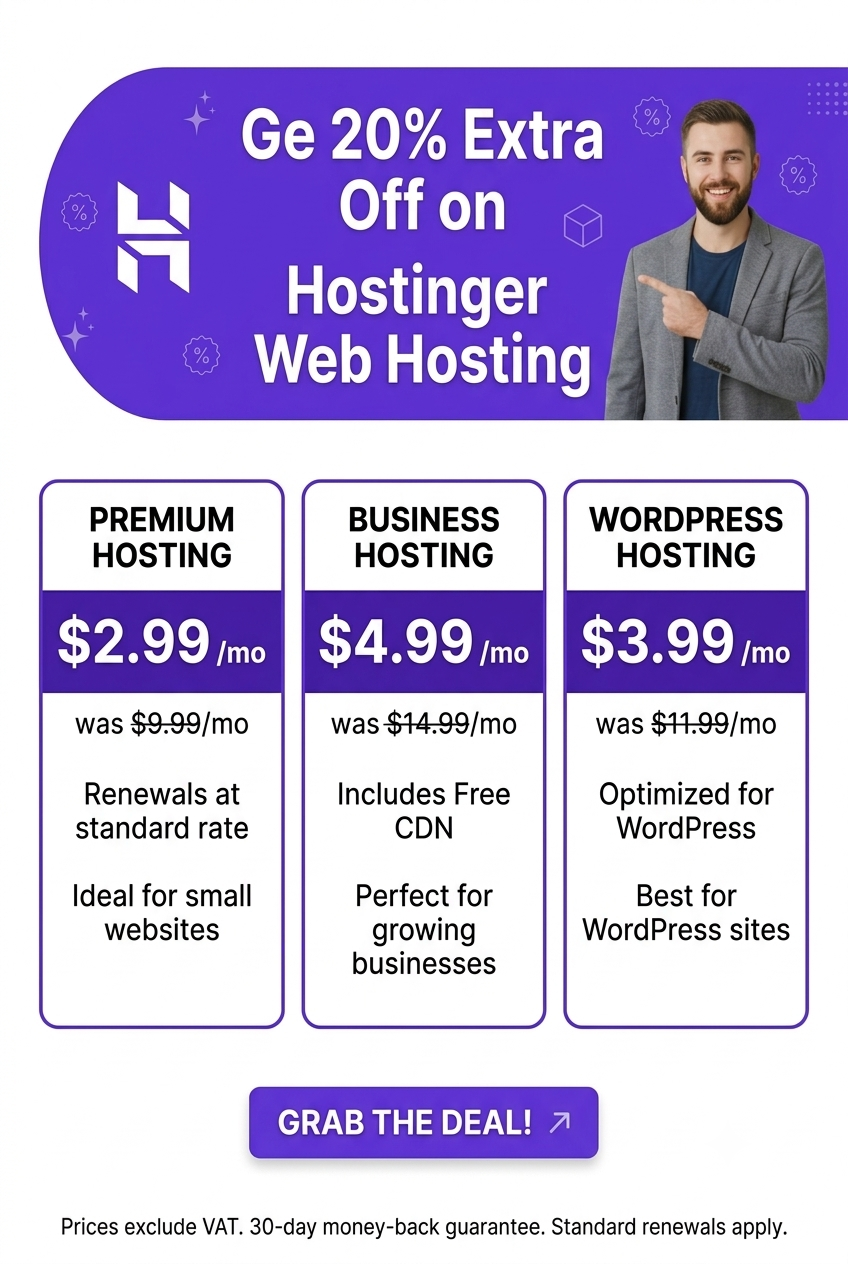
Once the concept clicks, the next step is picking a provider that keeps things simple while you’re still learning. Hostinger’s Premium plan, starting around $2.69/month, bundles a free domain for the first year, free SSL, and one-click WordPress installation into a single signup, so you’re not managing separate pieces while you get your footing.
A few reasons this kind of beginner-friendly starting point helps specifically:
- You don’t need to understand server management. The provider handles the infrastructure side entirely.
- Everything bundles into one plan and one bill, rather than juggling separate purchases.
- 24/7 live chat support is available if any of this still feels confusing once you’re actually setting things up.
- Upgrading later is simple, so you’re not locked into today’s decision forever.
People Also Ask
What is website hosting in the simplest terms?
Website hosting is a service that stores your website’s files on a server and makes them available to anyone who visits your site online. Without it, a website has nowhere to actually exist, even if you already own the domain name.
Is a domain the same thing as hosting?
No. A domain is your website’s address, the name people type to find you. Hosting is the storage space where your site’s actual files live. You need both, though many providers sell them together for convenience.
Which type of hosting should a beginner choose?
Shared hosting is the right starting point for almost every beginner. It’s the most affordable option, requires no technical setup knowledge, and typically includes a one-click installer to get a site live quickly.
Do I need to understand servers to use hosting?
No. Modern hosting providers handle the technical infrastructure entirely. You’ll interact with a simple dashboard to manage files, email, and your website, without ever needing to configure the underlying server yourself.
Why does my hosting bill go up after the first year?
Most hosts advertise a discounted introductory price to attract new customers, then renew at the standard rate afterward, often two to four times higher. Checking the renewal price before you sign up helps you avoid a surprise later.
Final Takeaway
Website hosting isn’t as complicated as the jargon makes it seem. It’s simply the space where your site’s files live, paired with a domain that points visitors to it. Once that clicks, everything else, uptime, bandwidth, SSL, is just detail you can learn as you go. Hostinger is a genuinely approachable place to start, bundling the pieces a beginner needs into one simple signup. From here, our hosting plan checklist can help you compare specific plans once you’re ready to buy.