Hosting for Website Speed: How to Choose the Right Plan
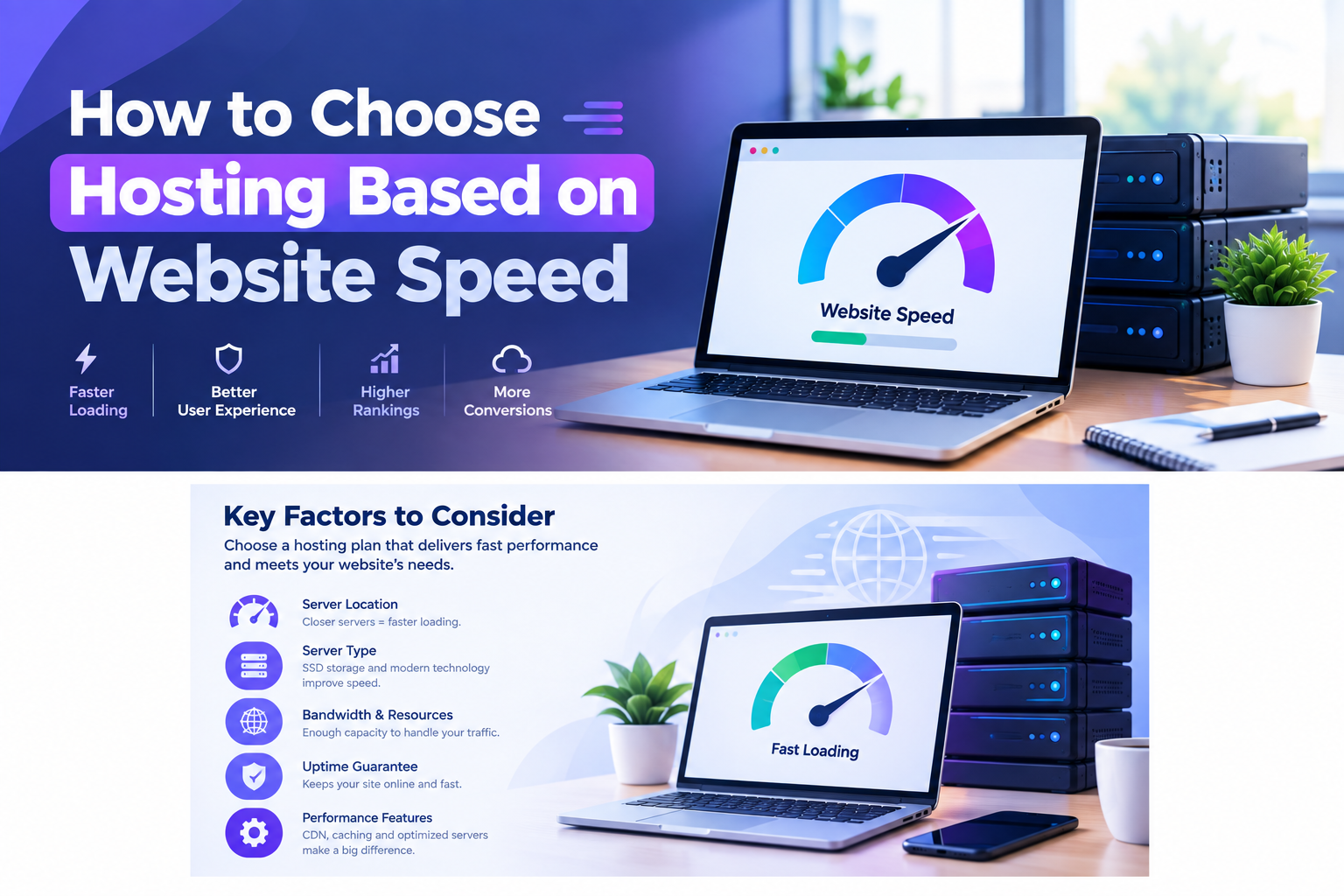
Hosting for website speed is the single highest-leverage decision you’ll make. No plugin or image optimization can outrun a slow server. In fact, if your site takes more than three seconds to load, you’re already losing visitors — Google’s own data shows bounce rates jump by 32% at that mark. Below, we break down which hosting factors actually move the needle on speed, how to compare providers, and how to pick a host that stays fast as your traffic grows. For a full rundown of top providers, see our hosting guides before you commit to a plan.
Why Hosting for Website Speed Starts With Your Host
Every millisecond of load time traces back to your server before it reaches a visitor’s screen. Server response time (TTFB), available CPU and RAM, storage speed, and network distance are all set by your hosting plan — not your theme or plugins. Specifically, Google recommends keeping Time to First Byte at or under 0.8 seconds. Anything past 1.8 seconds is flagged as poor, and that delay drags down Largest Contentful Paint (LCP) and every metric that follows it.
The stakes here are real money, not just rankings. For example, a joint Deloitte and Google study found that a mere 0.1-second improvement in load time lifted retail conversion rates by 8.4%. Similarly, Vodafone saw an 8% sales increase after cutting LCP by 31%, and Pinterest grew organic SEO traffic by 15% just by reducing perceived wait time. Clearly, hosting is where that kind of improvement starts.
The Hosting Factors That Actually Affect Speed
1. Storage Technology: NVMe vs. SATA SSD vs. HDD
NVMe SSD storage delivers 3–10x higher throughput than standard SATA SSDs, with far lower latency. Both leave old-fashioned HDDs in the dust. So if a host still runs HDDs on entry-level plans, that alone can add hundreds of milliseconds to every database query your site makes.
2. Resource Allocation: Shared, VPS, Cloud, or Dedicated
On shared hosting, your CPU and RAM are split with every other site on the server. As a result, a neighbor’s traffic spike can slow your pages down through no fault of your own. VPS and cloud hosting isolate your resources and scale on demand, while dedicated hosting removes contention entirely. For most small-to-mid traffic sites, though, a well-provisioned shared or entry cloud plan on modern hardware is enough.
3. Server Location and Network Peering
Data has to physically travel from server to visitor. Naturally, a host with data centers near your actual audience cuts latency significantly. If most of your traffic comes from the US but your server sits in Singapore, however, you’re adding avoidable delay to every single page load.
4. Web Server Software and Caching
LiteSpeed and NGINX handle concurrent requests far more efficiently than legacy Apache setups, especially under traffic spikes. When paired with server-side caching — LiteSpeed Cache, Redis, or OPcache — a good hosting stack can cut load times for returning visitors by as much as 50%.
5. Built-In CDN Support
A Content Delivery Network caches your static assets on servers around the world. This way, visitors load pages from the location nearest them instead of your single origin server. Around 40 million websites now rely on a CDN, and hosts that bundle one for free remove an entire layer of setup and cost.

How Hosting Speed Impacts Core Web Vitals and SEO
As of early 2026 Chrome UX Report data, 55.7% of web origins globally pass all three Core Web Vitals thresholds — up from roughly 50% in early 2024. Even so, desktop sites (57.1% passing) still comfortably outperform mobile (49.7%). Largest Contentful Paint remains the hardest metric to hit, and slow server response time is a common root cause, since a delayed TTFB pushes back every rendering milestone that follows.
Ultimately, Google weighs Core Web Vitals directly in search rankings, so a slow host doesn’t just cost you visitors — it can quietly cap your visibility no matter how well-optimized your content is. Getting hosting for website speed right is what makes these thresholds achievable in the first place. For reference, you can check Google’s own definitions and testing tools on web.dev’s Core Web Vitals guide. Here are the current “good” thresholds to aim for:
- LCP: 2.5 seconds or less
- INP: 200 milliseconds or less
- CLS: 0.1 or less
- TTFB: 0.8 seconds or less
Comparison: Hosting Types Ranked by Speed Potential
| Hosting Type | Typical TTFB | Best For | Speed Ceiling |
|---|---|---|---|
| Shared Hosting | 200ms–1.5s+ | Blogs, small business sites | Limited by neighbors |
| Cloud Hosting | 100–300ms | Growing sites, WooCommerce | Scales with traffic |
| VPS Hosting | 100–250ms | Developers, custom stacks | High, self-managed |
| Dedicated Hosting | 50–150ms | High-traffic, enterprise sites | Highest, no contention |
For most blogs, portfolios, and small business sites, a modern shared or entry-level cloud plan on NVMe storage and LiteSpeed already delivers speeds that used to require dedicated hosting. Better still, it comes without the price tag or server management overhead. If you’re weighing hosting for website speed against price or support, check our full hosting guides category for deeper comparisons.
How to Test a Host’s Speed Before You Buy
- Check independent speed tests rather than a provider’s own marketing claims — look for real TTFB numbers from third-party benchmarks.
- Ask about the tech stack directly: NVMe or SATA SSD? LiteSpeed or Apache? Free CDN included or add-on?
- Look at data center locations and confirm one is close to where your actual traffic comes from.
- Use the money-back guarantee most hosts offer to run your own PageSpeed Insights and GTmetrix tests after migrating.

Which Host Delivers on Speed?
Independent 2026 benchmarks consistently put Hostinger near the top for price-to-speed ratio. Its LiteSpeed and NVMe stack posts global server response times around 136–175ms, and a free CDN comes bundled with hosting plans. Data centers span the US, UK, Brazil, India, and Singapore. Meanwhile, its LiteSpeed Cache and object caching combination is documented to cut load times for returning visitors by up to 50% — exactly the kind of hosting-level speed gain no amount of plugin tweaking can replicate on a slower host.
People Also Ask
Does changing web hosting actually improve website speed?
Yes — server hardware, storage type, and network distance are all set by your host. So moving from a slow, overloaded shared plan to a modern NVMe-based host with a nearby data center commonly cuts load times significantly, often without changing anything else on the site.
What is a good TTFB for website speed?
Google considers 0.8 seconds or less “good,” 0.8–1.8 seconds “needs improvement,” and anything above 1.8 seconds “poor.” In short, TTFB is one of the first things a slow host will hurt.
Is shared hosting too slow for good Core Web Vitals?
Not necessarily. Modern shared hosting built on NVMe storage and LiteSpeed with caching can pass Core Web Vitals comfortably for most low-to-medium traffic sites. The real risk is resource contention during traffic spikes, which is when upgrading to cloud or VPS becomes worthwhile.
Does a CDN replace the need for fast hosting?
No — a CDN speeds up delivery of static assets like images and CSS, but dynamic content still depends entirely on your origin server’s speed. In other words, you need both a fast host and a CDN, not one instead of the other.
How much does hosting affect Google rankings?
Hosting directly shapes your Core Web Vitals scores, particularly LCP and TTFB, which Google uses as a ranking signal. As a result, sites on faster hosting infrastructure have a structural advantage before any other SEO work even begins.
Final Thoughts
Website speed isn’t something you bolt on after launch — it’s decided the moment you pick a host. Prioritize NVMe storage, LiteSpeed or NGINX with caching, a nearby data center, and a bundled CDN. That combination clears Core Web Vitals thresholds with far less optimization work down the line. In the end, getting hosting for website speed right from the start means everything else you do for performance will actually stick.