WordPress Hosting vs Website Builder Hosting
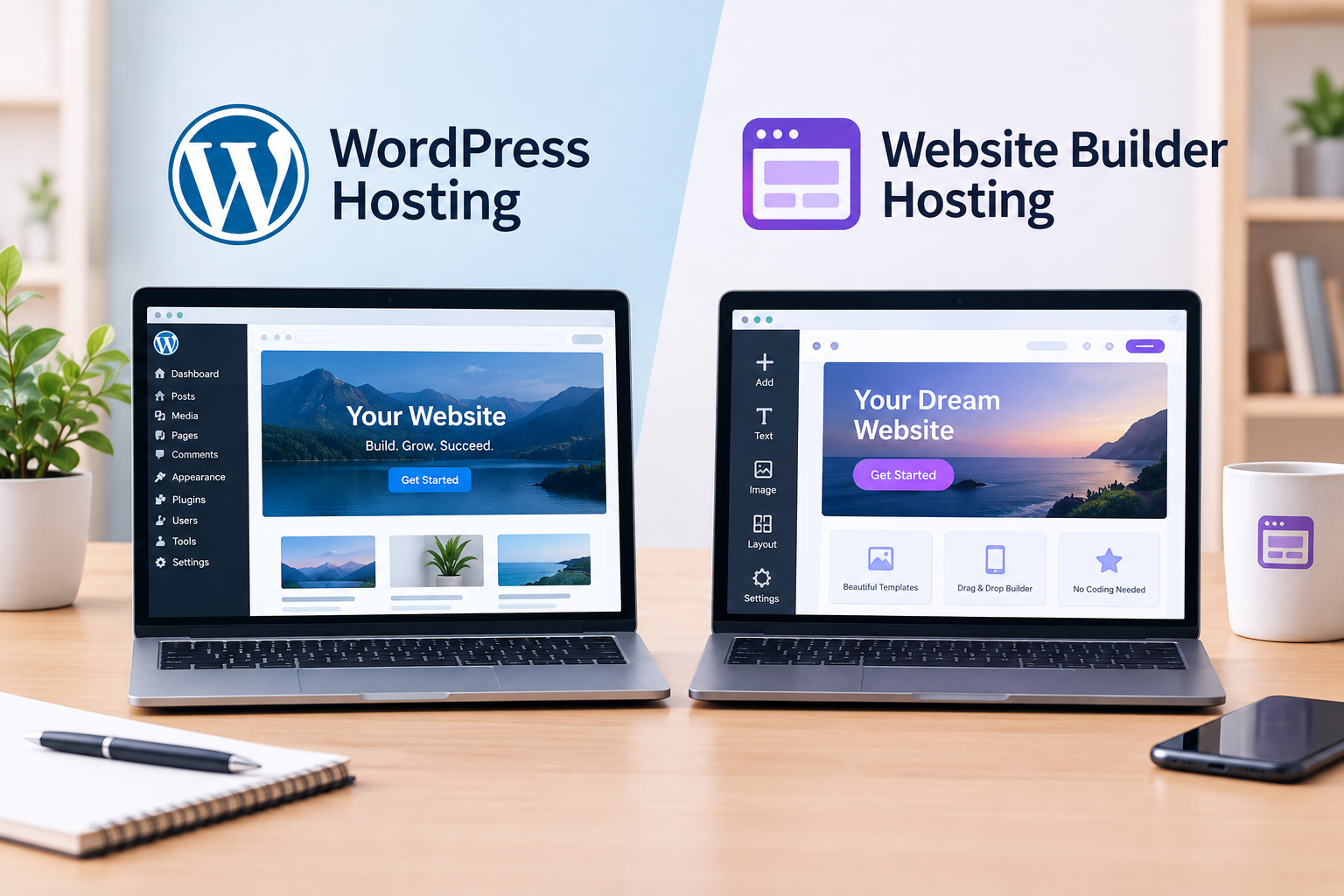
WordPress hosting vs website builder hosting comes down to a trade-off between control and simplicity. WordPress gives you a flexible, open platform you install and customize. A website builder gives you a drag-and-drop tool, often with hosting bundled in, built for speed of setup over flexibility.
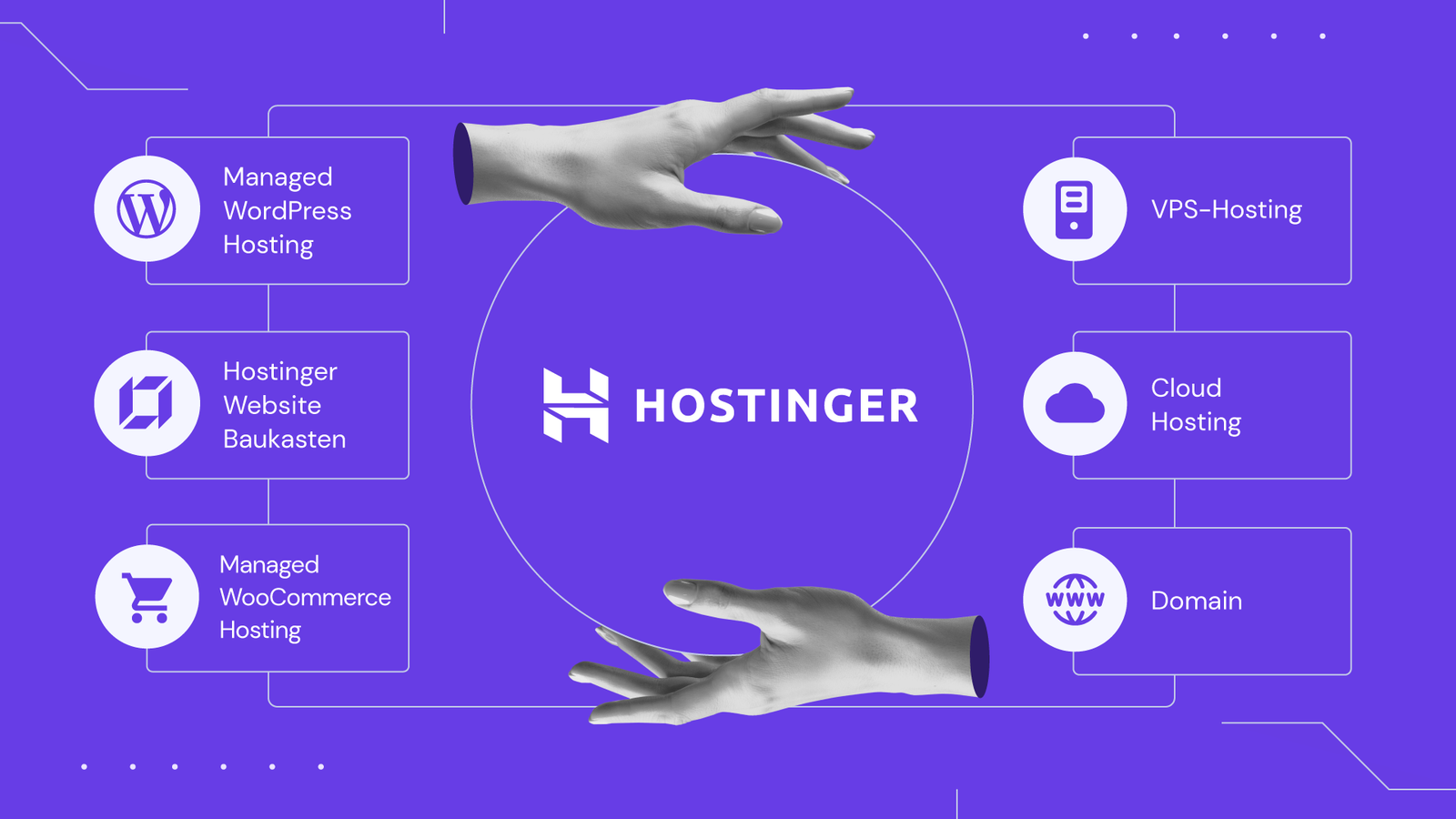
This guide compares the two directly, using Hostinger‘s options as a real example, since it offers both a traditional hosting path for WordPress and its own AI website builder. Use it to see which fits how you want to build.
Disclosure: HostingPlanGuide earns a commission if you buy through our links, at no extra cost to you. We still note where each option has real limits, so you can decide with the full picture.
Quick Answer: Which Should You Choose?
Choose a website builder if you want the fastest possible setup and don’t need deep customization. Choose WordPress if you want long-term flexibility, access to thousands of themes and plugins, and more control over how your site grows.
WordPress vs Website Builder at a Glance
| Factor | WordPress Hosting | Website Builder |
|---|---|---|
| Setup time | Minutes, via one-click installer | Minutes, often even faster |
| Customization | Extensive, via themes and plugins | Limited to the builder’s own tools |
| Learning curve | Moderate | Low |
| Plugin/app ecosystem | Thousands of options | Smaller, builder-specific set |
| Portability | Can move to any WordPress host | Often locked to the builder’s platform |
| Best for | Blogs, businesses, sites that will grow | Simple sites, quick launches, non-technical users |
General comparison based on typical WordPress hosting and website builder products as of October 2026. Specifics vary by provider.

What Makes WordPress Different
WordPress is free, open-source software that powers a huge share of websites worldwide. You install it on your hosting account, then build your site using themes for design and plugins for added functionality, from contact forms to full online stores.
Hostinger makes this simple with one-click WordPress installation on its shared plans. You get the full flexibility of WordPress without having to configure a server manually, and you can move your site to a different host later if you ever need to.
What Makes a Website Builder Different
A website builder is an all-in-one tool: you build your site by dragging and dropping elements directly in a visual editor, usually with hosting already bundled in. There’s no separate installation step and no theme or plugin ecosystem to navigate.
Hostinger offers its own AI website builder as an alternative to installing WordPress. It generates a starting site from a short description, then lets you edit visually from there, aimed at getting a simple site live as quickly as possible.
The Real Trade-Offs
Flexibility vs Simplicity
WordPress can do almost anything, from a simple blog to a complex membership site, because of its enormous plugin ecosystem. A website builder trades that range for a simpler, more guided experience, which can be exactly right if your needs are straightforward.
Learning Curve
WordPress has more to learn upfront: choosing a theme, installing plugins, and understanding basic settings. A website builder is generally more intuitive for a first-time site owner, since the visual editor mirrors what you’ll see on the live page.
Long-Term Portability
A WordPress site can move to nearly any host that supports WordPress, giving you freedom to switch providers later. Website builders often keep your site tied to their own platform, which can make switching harder or impossible without rebuilding.
Room to Grow
If your site might need advanced features later, like a membership area, a complex store, or custom functionality, WordPress’s plugin ecosystem gives you a clearer path to add them. A builder’s capabilities are generally fixed to what the platform itself offers.
Who Should Choose a Website Builder
- You want your site live today, with minimal setup and decision-making.
- Your needs are simple, like a one-page portfolio or a basic business site.
- You’re not comfortable with themes and plugins and prefer a single, guided tool.
- You don’t expect to need advanced features down the line.
Who Should Choose WordPress
- You want room to grow, with the option to add complex features later.
- You value the ability to switch hosts without rebuilding your entire site.
- You want access to thousands of themes and plugins, rather than a fixed toolset.
- You’re building something more than a simple one-off site, like a blog you’ll grow or a business site with evolving needs.
For a deeper look at WordPress-ready hosting plans, see our guide to the best cheap hosting for a new website.

People Also Ask: WordPress Hosting vs Website Builder Hosting
Is a website builder easier than WordPress for beginners?
Generally yes, especially for a first-time site owner with simple needs. The visual, drag-and-drop interface tends to have a shorter learning curve than setting up themes and plugins.
Can I switch from a website builder to WordPress later?
It depends on the builder, but it often means rebuilding your site rather than a direct transfer, since builder platforms typically don’t export to WordPress format. Starting with WordPress keeps more flexibility open from day one if you expect to need it.
Does WordPress cost more than a website builder?
Not necessarily. WordPress itself is free, and you pay for hosting either way. Specific pricing depends on the host or builder you choose, so compare actual plans rather than assuming one is always cheaper.
Can a website builder handle an online store?
Many website builders offer basic e-commerce features. However, WordPress, especially combined with a dedicated e-commerce plugin, generally offers more advanced and flexible store capabilities as your needs grow.
Is WordPress harder to maintain than a website builder?
It requires a bit more ongoing attention, like updating plugins and themes. Many hosts, including Hostinger, offer tools to simplify this, and WordPress itself supports automatic updates if you prefer a more hands-off approach.
Which is better for SEO, WordPress or a website builder?
Both can be optimized well for search engines. WordPress offers more granular SEO control through plugins, while many website builders include built-in basic SEO tools suitable for simpler sites.
Final Verdict: WordPress Hosting vs Website Builder Hosting
A website builder wins on speed and simplicity, especially for a straightforward, one-off site. WordPress wins on flexibility, portability, and room to grow, which matters more if you expect your site’s needs to change over time.
Hostinger supports both paths: one-click WordPress installation on its shared plans for long-term flexibility, or its AI website builder for the fastest possible launch. Choose based on how much you expect your site to grow, not just how quickly you want it live today.