What Should a Beginner Look for in a Hosting Plan
So, what should a beginner look for in a hosting plan? Not the lowest price on the page. A good beginner plan balances price with a handful of features that actually protect your first website.
This guide walks through those features one by one, using Hostinger‘s plans as a real example. By the end, you will know exactly what to check before you buy.
Disclosure: HostingPlanGuide earns a commission if you buy through our links, at no extra cost to you. We still point out where a plan falls short, so you can decide with the full picture.
Quick Answer: What a Beginner Should Look For
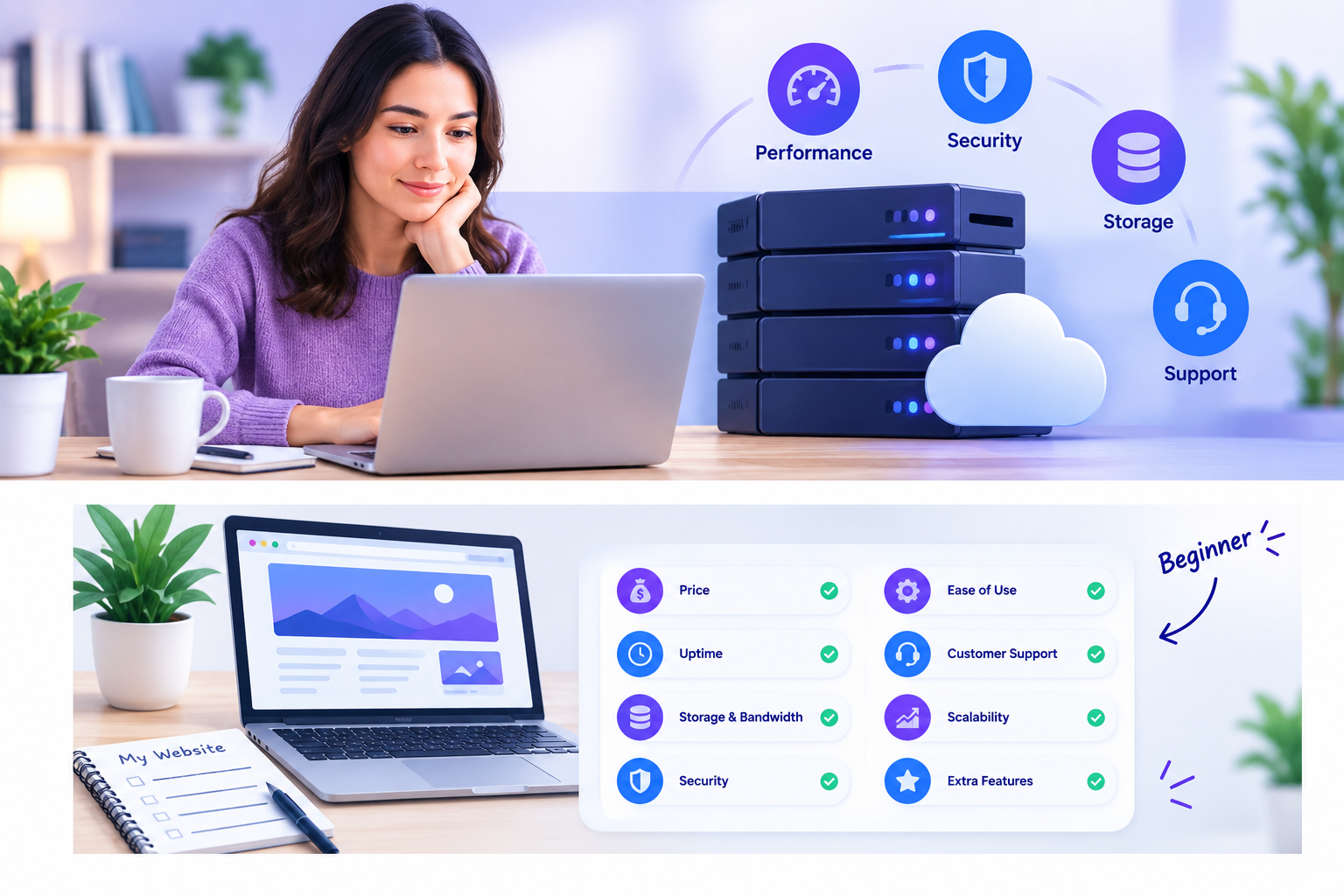
A beginner-friendly hosting plan needs six things: an honest price, enough storage, regular backups, free SSL, a one-click WordPress installer, and real support. Skip any plan that hides its renewal price or lacks 24/7 help.
Below, we break down each feature and show what it looks like on a real plan.
Beginner Hosting Checklist at a Glance
| What to Check | Why It Matters for Beginners | Example: Hostinger Premium |
|---|---|---|
| Renewal price | Avoids billing surprises after year one | $2.99/mo intro, $10.99/mo renewal |
| Storage | Covers pages, images, and email | 20 GB SSD |
| Backups | Undo mistakes without losing your site | Free weekly backups |
| Free SSL | Builds visitor trust and helps SEO | Included, unlimited |
| One-click WordPress | Gets your site live without coding | Included, plus AI Builder |
| Support | Helps you fix problems fast | Priority 24/7 expert support |
Hostinger Premium figures from Hostinger’s pricing page, September 2026, for a 48-month term, excluding VAT.
1. Look Past the Intro Price
Every host leads with its lowest number. However, that number often applies only to the longest term and the first billing cycle.
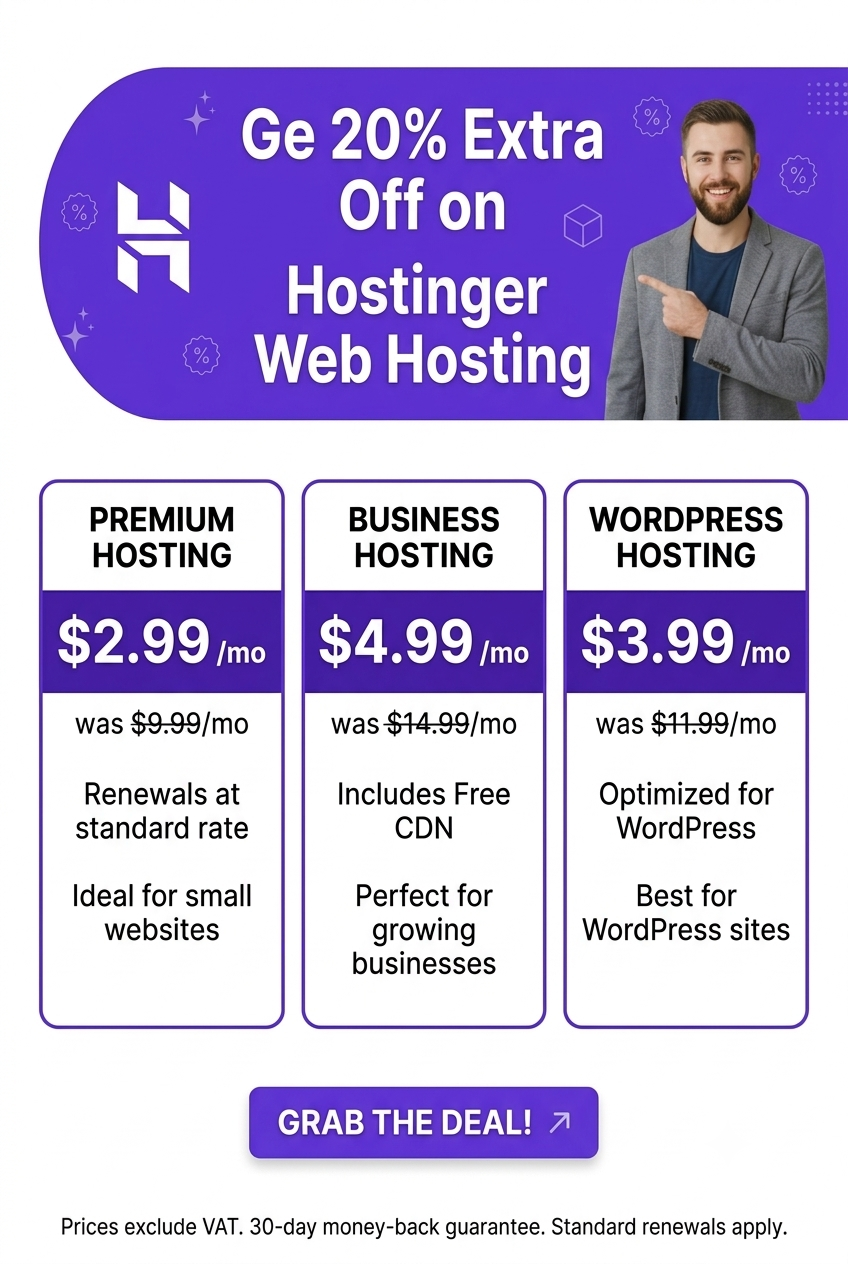
On Hostinger, Premium starts at $2.99 per month on a 48-month term, then renews at $10.99 per month. The gap is even bigger on the Unlimited plan, which starts at $3.99 and renews at $16.99. As a beginner, always find the “renews at” line before you check out.
2. Make Sure Storage Fits Your Plans
A text-heavy blog needs little storage. A site with lots of photos or video needs more. Check the number in GB, not just the word “plenty.”
Hostinger’s Premium plan includes 20 GB of SSD storage, which covers most new blogs and small business sites. Its Unlimited plan steps up to 50 GB of NVMe storage, a faster type of drive, for sites that expect to grow.
3. Check How Often Your Site Gets Backed Up
Backups protect you from a bad plugin update, a failed edit, or a hack. As a beginner, you will make mistakes, so this feature matters more than it seems at first.
Hostinger includes free weekly backups on Premium. Its Unlimited plan goes further, with daily backups and easy data restore. If you plan to publish content often, that daily option is worth the extra dollar a month.
4. Confirm Free SSL Is Included
An SSL certificate turns “http” into “https” and shows a padlock in the browser. Without it, browsers warn visitors that your site is not secure.
Every Hostinger plan includes free, unlimited SSL, and it activates automatically at signup. According to Google’s page experience guidance, security signals like HTTPS also factor into how Google treats your site. Never pay extra for SSL; it should always be free.
5. Look for a One-Click Site Builder
As a beginner, you likely do not want to install software by hand. A good plan gets you to a live site in minutes.
Hostinger offers one-click WordPress installs, plus an AI Builder that creates a site from a short description. Check the official WordPress requirements page if you plan to use WordPress, so you know what your host needs to support.

6. Test the Support Before You Need It
Beginners run into problems at odd hours. A plan with slow or limited support leaves you stuck.
Hostinger advertises priority 24/7 expert support across its shared plans. Before you buy any host, try its live chat with a pre-sales question. That single interaction tells you a lot about the support you will get later.
7. Check the Number of Websites You Can Host
Even one beginner project often turns into two or three. A blog, a portfolio, and a small side project can all live under one hosting account.
Hostinger’s Premium plan covers 3 websites, while its Unlimited plan removes the limit entirely. If you already know you will build more than one site, that difference is worth planning for now.
8. Look for a Money-Back Guarantee
A guarantee lets you test a host risk-free. Hostinger offers a 30-day money-back guarantee, which gives you time to build your site and see how it performs before the window closes.
Use that window fully. Publish real content, test your page speed, and contact support at least once before day 30.
Features Beginners Can Usually Skip
Not every add-on is worth paying for on day one. These features matter more once your site has grown.
- Dedicated IP address. Most beginner sites do not need one. Hostinger lists this as a paid add-on with a stated value of $9.99.
- Unlimited bandwidth claims. These are subject to a fair usage policy, so read the fine print rather than assuming no limits exist.
- Cloud or VPS hosting. These cost more and suit high-traffic or custom-code projects, not a first website.
- Extra AI credits. Nice to have, but not essential if you are comfortable using WordPress directly.
Which Plan Fits a Beginner Best?
For most beginners, Hostinger Premium hits the right balance. It includes enough storage for three sites, weekly backups, free SSL, and a free domain for the first year, all at a low intro price.
If you want daily backups and unlimited websites from the start, Hostinger Unlimited is worth the extra dollar a month. For a deeper breakdown of every plan and price, see our guide to the best cheap hosting for a new website.
People Also Ask: What Should a Beginner Look for in a Hosting Plan?
What is the most important feature for beginner hosting?
Reliable backups and an honest renewal price matter most. Speed and support come next. Storage size rarely decides the outcome for a first small site.
Do beginners need cPanel?
No. Many beginner-friendly hosts, including Hostinger, use their own simplified control panel instead of cPanel. What matters is whether the panel is easy to navigate, not its name.
How much storage does a beginner website need?
Most text-based blogs need only a few GB. A plan with 10 to 20 GB of SSD storage, like Hostinger’s entry-level plans, covers a beginner site with room to grow.
Is free hosting good enough for a beginner?
Usually not. Free hosts often limit your domain name, add ads, or cap storage tightly. A low-cost paid plan gives beginners a more professional and reliable start.
Should a beginner choose shared hosting or managed WordPress hosting?
Shared hosting is the cheaper, simpler starting point for most beginners. Managed WordPress hosting adds extra tuning and support at a higher price, which suits sites that have already grown.
What should a beginner avoid when choosing a host?
Avoid hosts that hide their renewal price, skip free SSL, or offer no money-back guarantee. Also be cautious of “unlimited” claims without a clear fair usage policy.
Final Verdict: What Should a Beginner Look for in a Hosting Plan
A beginner should look for a plan with an honest renewal price, enough storage, regular backups, free SSL, a one-click builder, and real 24/7 support. Skip the add-ons you do not need yet, and lean on the money-back guarantee to test the host risk-free.
Hostinger Premium checks every box on this list at a low starting price, which is why it is our top pick for most beginners in 2026.