How to Compare Web Hosting Plans Before Buying
Knowing how to compare web hosting plans before buying saves you from a decision you will regret in six months. Two plans can look almost identical on paper and still deliver very different experiences.
This guide gives you a step-by-step process for comparing plans side by side, using Hostinger‘s own tiers as a worked example. Follow these steps with any host you are considering.
Disclosure: HostingPlanGuide earns a commission if you buy through our links, at no extra cost to you. We still walk through Hostinger’s limits below, so you can compare it fairly against other options.
Quick Answer: How to Compare Hosting Plans
Compare plans in this order: total cost over your full term, renewal price, storage and site limits, backup frequency, and support quality. Price first, then the features that protect your site once it is live.
Step 1: Line Up the Real Cost, Not Just the Sticker Price
Hosting prices are usually shown per month, but billed for a full term upfront. Before comparing anything else, calculate the total you would actually pay.
| Plan | Price/mo (48 mo term) | Total Paid Upfront | Renews At |
|---|---|---|---|
| Premium | $2.99 | $143.52 | $10.99/mo |
| Unlimited | $3.99 | $191.52 | $16.99/mo |
Hostinger figures from its pricing page, September 2026, excluding VAT. Prices change often, so confirm them at checkout.
Notice that the renewal price is roughly three to four times the intro rate on both plans. When you compare two hosts, always place their renewal prices side by side, not just their intro numbers.
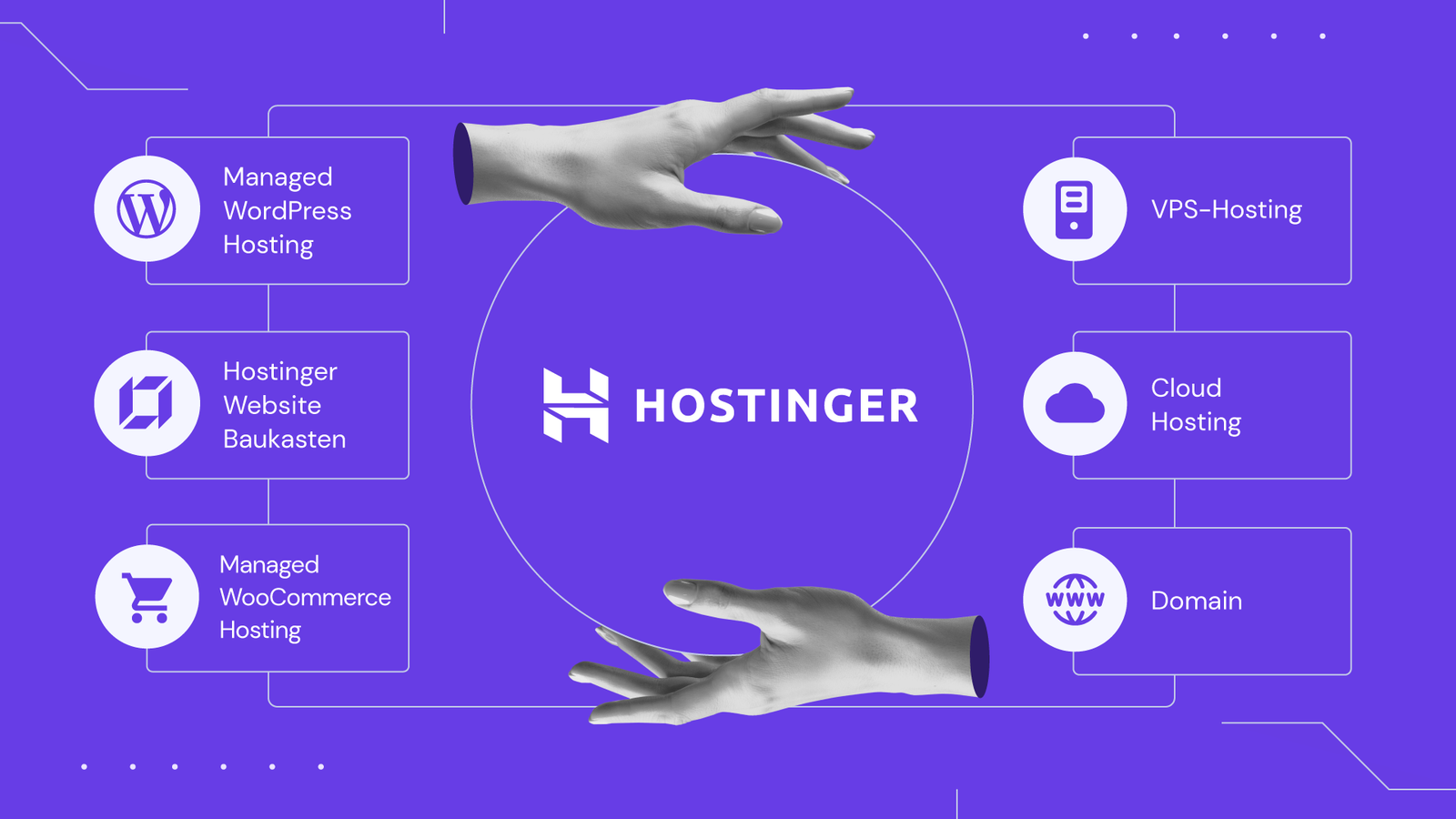
Step 2: Match Storage and Site Limits to Your Actual Project
Storage numbers only mean something next to your real project. A single small blog and a photography portfolio need very different amounts of space.
Hostinger’s Premium plan covers 3 websites with 20 GB of SSD storage. Its Unlimited plan removes the website cap and steps up to 50 GB of NVMe storage. If you already plan to run more than one site, compare the website limit before you compare the price.
Step 3: Compare How Often Each Plan Backs Up Your Site
Backup frequency varies more between plans than people expect, and it rarely gets equal attention next to the price.
On Hostinger, Premium includes weekly backups, while Unlimited includes daily backups with easy restore. When you compare two hosts, ask the same question of both: how often does the backup run, and how easily can you restore one yourself?
Step 4: Check What Security Comes Standard
Security features should never be an upsell. Compare whether SSL, malware scanning, and a firewall come included, or cost extra.
Hostinger includes free, unlimited SSL and malware scanning across its shared plans at no added cost. Use that as your baseline, and be cautious of any host that charges extra for SSL in 2026.

Step 5: Test Support Before You Commit
You cannot compare support quality from a pricing page alone. Instead, message live chat on each host you are considering with a real pre-sales question.
Hostinger advertises priority 24/7 expert support on its shared plans. Time how long you wait for a reply, and judge how clearly the agent answers. That short test often predicts what support will feel like later, when something actually breaks.
Step 6: Weigh the Refund Window
A refund window lowers the risk of comparing plans on paper alone. Look for a guarantee long enough to actually launch your site and use it for a few weeks.
Hostinger offers a 30-day money-back guarantee. Read the refund policy for either host you compare, since terms can vary in ways that matter later.

A Simple Side-by-Side Comparison Template
Use this short template for any two plans you are weighing, whether both are from Hostinger or from different hosts entirely.
- Total cost for your term — write down the exact number, not the monthly figure alone.
- Renewal price — find this before you buy, not after your term ends.
- Storage and website limit — check both numbers against your actual plans.
- Backup frequency — weekly, daily, or something else.
- Security included — SSL, malware scanning, firewall.
- Support test result — your own note from a live chat test.
- Refund window — how many days, and what it covers.
Fill this out for each plan you are considering, then compare the completed lists side by side. The plan with the fewest gaps, not just the lowest price, is usually the better buy.
Common Mistakes When Comparing Hosting Plans
- Comparing intro prices only. Always line up renewal prices too.
- Ignoring the billing term. A 48-month price and a 12-month price are not directly comparable without doing the math.
- Skipping the support test. A pricing page cannot tell you how support actually feels.
- Overlooking “unlimited” claims. Check for a fair usage policy behind the word.
- Forgetting your own usage. The best plan matches your project, not the biggest number on the page.
Once you have compared plans this way, see our full breakdown of the best cheap hosting for a new website for specific plan recommendations.

People Also Ask: How to Compare Web Hosting Plans Before Buying
What is the first thing to compare between hosting plans?
Start with the total cost for your billing term, then check the renewal price. These two numbers usually reveal the biggest differences between plans.
How do I compare hosting plans from different companies fairly?
Convert every price to the same billing term, such as a monthly average over 12 months. Then compare storage, backups, security, and support side by side using the same categories for each host.
Should I compare hosting plans by price or by features first?
Check price first to rule out plans outside your budget, then compare features among the ones that remain. A slightly higher price is often worth it for better backups or support.
Is it worth comparing more than two hosting plans?
Yes, comparing three or four plans gives you a clearer sense of what is standard versus what is exceptional. Use the same comparison template for each one.
How do I know if a hosting plan’s support is actually good?
Test it yourself before buying. Send a pre-sales question through live chat and note the wait time and answer quality, since that is the best preview of what support will feel like later.
What should I do if two hosting plans look equally good?
Use the refund window to test both. Sign up for the one with the lower risk first, build your site, and confirm it meets your needs before the guarantee period ends.
Final Verdict: How to Compare Web Hosting Plans Before Buying
Comparing hosting plans well means looking past the sticker price. Line up the total cost, the renewal rate, storage and site limits, backup frequency, security, and support, then choose the plan with the fewest gaps for your project.
Hostinger’s Premium and Unlimited plans hold up well against this checklist, which is why they are consistently among our top picks for new and growing websites in 2026.