How to Choose Hosting for WooCommerce
Knowing how to choose hosting for WooCommerce matters more than for a typical blog, since a store has to handle checkout, inventory, and payment processing reliably, not just display content. The wrong hosting choice shows up fastest at your busiest moment: checkout.
This guide covers what a WooCommerce store specifically needs from its hosting, using Hostinger‘s plans as a real example. Use it to match your store’s size to the right tier.
Disclosure: HostingPlanGuide earns a commission if you buy through our links, at no extra cost to you. We still note where a plan’s resources may fall short for a growing store, so you can decide with the full picture.
Quick Answer: What WooCommerce Hosting Needs
Look for enough storage for your product catalog, fast storage type for database-heavy checkout traffic, daily backups, free SSL, and a host that handles WooCommerce’s higher resource demands compared to a standard blog. A small store can start on shared hosting; a growing one benefits from more dedicated resources.
WooCommerce Hosting Needs by Store Size
| Store Size | Typical Need | Hostinger Example | Starting Price |
|---|---|---|---|
| Under 50 products, low traffic | Shared hosting, SSD storage | Premium | $2.99/mo |
| 50-300 products, steady traffic | Shared hosting, NVMe storage, daily backups | Unlimited | $3.99/mo |
| 300+ products, or sales spikes | Cloud hosting, dedicated resources | Cloud Startup | Higher, check current pricing |
Store-size guidelines are general estimates, not fixed rules. Hostinger figures from its pricing page, October 2026, for 48-month shared terms, excluding VAT.

Why WooCommerce Needs More Than Standard WordPress Hosting
A blog mostly serves static or lightly dynamic content. A WooCommerce store runs constant database queries, checking inventory, calculating cart totals, applying taxes and shipping, and processing checkout, often with multiple customers doing this simultaneously.
This makes database performance and server resources matter more for a store than for a typical blog. The same hosting plan that comfortably runs a blog can feel strained once a WooCommerce store starts getting real daily traffic.
1. Storage Type and Capacity
Product images, especially multiple photos per product, add up fast, and WooCommerce’s database grows with every order, customer account, and review. Faster storage also means quicker checkout processing under load.
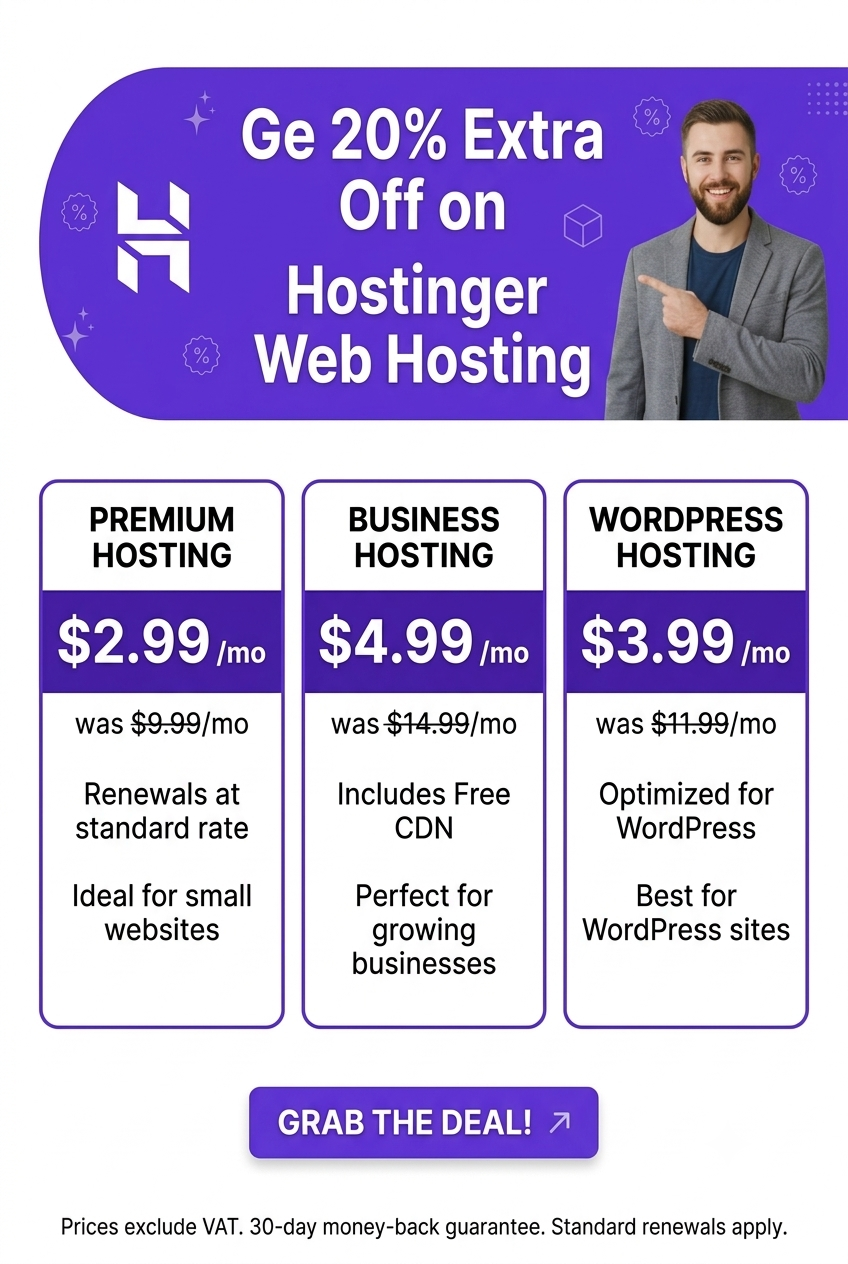
Hostinger’s Premium plan offers 20 GB of SSD storage, workable for a smaller catalog. Its Unlimited plan steps up to 50 GB of NVMe storage, a meaningfully faster drive type, which suits a store with more products or higher order volume.
2. Backup Frequency
For a store, backups protect more than content, they protect orders, customer data, and inventory records. Losing even a day’s worth of orders to a bad update or a hack is a direct financial hit, not just an inconvenience.
Hostinger’s Premium plan includes weekly backups, while Unlimited includes daily backups with easy restore. For any store processing regular orders, daily backups are worth prioritizing over the storage difference alone.
3. Security Features
A store handles customer data and, depending on your payment setup, may touch sensitive information during checkout. Strong baseline security isn’t optional here the way it might be for a simple blog.
Hostinger includes free SSL, malware scanning, and DDoS protection across its shared plans. Combine this with WooCommerce’s own security best practices, like strong admin passwords and kept-up-to-date plugins.
4. Resource Handling During Sales and Spikes
A sale, a product launch, or a seasonal rush can send a sudden burst of traffic to your store, exactly when reliability matters most. Shared hosting can handle moderate spikes, but a store expecting significant seasonal surges may need more dedicated resources.
If you know a major sale is coming, consider checking your current resource usage ahead of time and, if needed, upgrading before the event rather than scrambling during it.
5. CDN and Caching for Faster Checkout
A CDN speeds up loading product images and static assets for visitors, which matters for conversion rates, since slow pages tend to lose shoppers before checkout. Caching helps too, though WooCommerce’s dynamic cart and checkout pages need caching configured carefully to avoid showing stale cart data.
Hostinger includes a CDN on its shared plans. If you add a caching plugin on top, make sure it’s configured to exclude cart and checkout pages from static caching.
When to Move Beyond Shared Hosting for WooCommerce
- Your catalog exceeds a few hundred products with significant daily order volume.
- You experience slowdowns during normal, non-peak hours, suggesting your current plan is already near its limits.
- You’re planning a major sale or launch that could bring a significant traffic spike.
- You’ve added several resource-heavy plugins on top of WooCommerce itself.
Hostinger’s Cloud Startup plan offers more dedicated resources for stores that have outgrown shared hosting. For a broader look at hosting plans and pricing, see our guide to the best cheap hosting for a new website.

People Also Ask: How to Choose Hosting for WooCommerce
Is shared hosting good enough for a WooCommerce store?
For a smaller store with a modest catalog and moderate traffic, yes. Shared hosting with solid baseline features, like SSD or NVMe storage and daily backups, handles many small to mid-sized stores well.
How many products can WooCommerce handle on shared hosting?
This varies by host and resource limits, but shared hosting generally handles anywhere from a few dozen to a few hundred products reasonably well, depending on traffic and image sizes. Larger catalogs with heavy traffic typically benefit from more dedicated resources.
Does WooCommerce need special hosting different from regular WordPress hosting?
Not a fundamentally different type, but it benefits from hosting with more resources, faster storage, and more frequent backups than a basic blog might need, given the dynamic, database-heavy nature of a store.
Why does my WooCommerce store slow down during busy hours?
This often signals your hosting plan is near its resource limits during peak load. Upgrading to a plan with more resources, or enabling proper caching that excludes cart and checkout pages, can both help.
Should I prepare my hosting before a big sale?
Yes, if you expect significantly higher traffic than normal. Checking your current resource usage and considering a temporary or permanent upgrade ahead of time is safer than finding out during the sale itself.
Does caching cause problems with WooCommerce carts?
It can, if configured incorrectly. Standard page caching should generally exclude dynamic pages like the cart and checkout, so customers don’t see stale or incorrect cart contents.
Final Verdict: How to Choose Hosting for WooCommerce
WooCommerce hosting needs more than a typical blog: enough storage for your catalog, fast storage type, daily backups once you’re processing regular orders, strong security, and a CDN with checkout-aware caching. Match your choice to your store’s current size, with an eye toward where it’s headed.
Hostinger’s Premium plan suits a smaller store starting out, while Unlimited’s NVMe storage and daily backups fit a growing one. Stores with larger catalogs or significant traffic spikes should consider cloud hosting for more dedicated resources.