Best Hosting for a Small WooCommerce Store
If you’re past the planning stage and ready to pick, the best hosting for a small WooCommerce store comes down to a short list of plans built specifically for this job, not a general-purpose blog plan stretched to cover a store.
This guide gives a direct recommendation, using Hostinger‘s dedicated WooCommerce hosting plans as the pick, with real pricing and specs.
Disclosure: HostingPlanGuide earns a commission if you buy through our links, at no extra cost to you. We still note where a plan’s limits matter, so you can decide with the full picture.
Quick Answer: Best Hosting for a Small WooCommerce Store
Hostinger’s Business plan is the best starting point for a small WooCommerce store, at $3.99/mo on a 48-month term. It’s one of Hostinger’s dedicated WooCommerce hosting tiers, built for stores up to roughly 25,000 monthly visitors.
Hostinger’s WooCommerce Hosting Plans Compared
| Plan | Intro Price (48 mo) | Renews At | Best For |
|---|---|---|---|
| Business | $3.99/mo | $16.99/mo | New to WooCommerce, up to ~25,000 monthly visitors |
| Cloud Startup | $7.99/mo | ~$25.99/mo | Growing store, up to ~200,000 monthly visitors; 4 CPU cores, 4 GB RAM, 100 GB NVMe |
Figures drawn from Hostinger’s own WooCommerce hosting page and several independent 2026 pricing guides, which are broadly consistent on these two plans. Renewal pricing can vary slightly by source; confirm the exact figure at checkout.
Why Business Is the Right Starting Plan
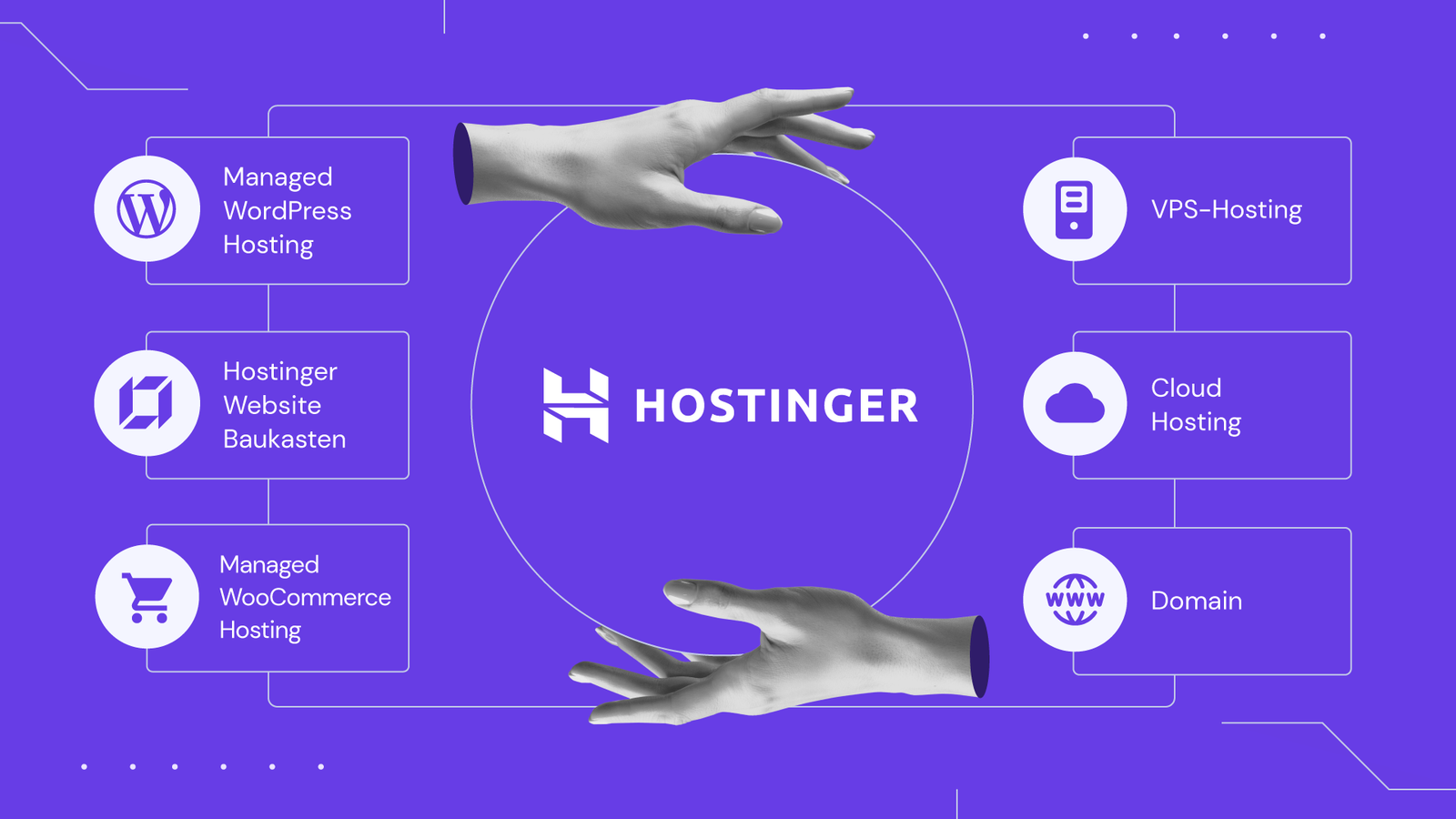
Hostinger’s Business plan is one of its dedicated WooCommerce hosting tiers, pre-configured with WooCommerce-ready features rather than a general shared plan you’d need to set up yourself. It’s priced at $3.99/mo on a 48-month term, with free SSL, a free domain for the first year, and a CDN included.
At $3.99/mo, it’s barely more than Hostinger’s basic entry-level plan, but it’s specifically positioned for WooCommerce stores, which makes it the more sensible starting point if you know you’re building a store from day one rather than a blog.
What You Get at This Price
- WooCommerce pre-configured, rather than a generic WordPress plan you’d adapt yourself.
- Free SSL and a CDN, covering baseline security and loading speed out of the box.
- A free domain for the first year, reducing your very first setup cost.
- 24/7 support, which matters for a store where downtime has a direct financial cost.
- A 30-day money-back guarantee, so you can test the setup before fully committing.

When to Skip Straight to Cloud Startup Instead
If you already know your store will run beyond roughly 25,000 monthly visitors, use WooCommerce extensions like Subscriptions or Bookings, or expect traffic spikes from paid ad campaigns, Cloud Startup is the more realistic starting point rather than something to upgrade into later.
Cloud Startup runs $7.99/mo on its intro term, with 4 CPU cores, 4 GB of RAM, and 100 GB of NVMe storage, built to handle up to around 200,000 monthly visitors. That’s meaningfully more dedicated capacity than Business offers, suited to a store that’s past the “just getting started” phase.
A Note on Plan Naming
Hostinger’s WooCommerce hosting plans share pricing and features with its general shared and cloud hosting lines, but are marketed under WooCommerce-specific names and positioning. If you’ve seen different plan names elsewhere, including in our own past coverage, that’s worth double-checking against Hostinger’s current WooCommerce hosting page directly, since plan naming has shifted during 2026 and isn’t fully consistent across sources.

How to Get Started
- Choose the Business plan if you’re a new or small store, or Cloud Startup if you expect meaningful traffic from day one.
- Select your term length. The 48-month term gives the lowest monthly rate; confirm the renewal price before committing.
- Register your domain, using the free first-year domain if your plan includes one.
- Install WordPress and WooCommerce through Hostinger’s setup tools.
- Add your first products and test a full checkout before going live.
Not sure how your store’s resource needs will grow? See our deeper look at best cheap hosting for a new website for the broader hosting picture beyond WooCommerce specifically.
People Also Ask: Best Hosting for a Small WooCommerce Store
What’s the cheapest good hosting for a WooCommerce store?
Hostinger’s Business plan, at $3.99/mo on a 48-month term, is a commonly recommended starting point. It’s priced close to basic shared hosting but built specifically with WooCommerce in mind.
Is shared hosting good enough for a small WooCommerce store?
Yes, for most small stores with modest traffic. A dedicated WooCommerce hosting plan, which is typically built on the same shared infrastructure but pre-configured for WooCommerce, usually handles a smaller store’s needs well.
When should I upgrade from Business to Cloud Startup?
Consider upgrading when you’re approaching around 25,000 monthly visitors, adding resource-heavy WooCommerce extensions, or running ad campaigns that could cause traffic spikes.
Does a small WooCommerce store need dedicated hosting?
Not necessarily at launch. A well-built WooCommerce-specific shared plan, like Hostinger’s Business tier, generally covers a small store well before more dedicated resources become necessary.
What’s included in Hostinger’s WooCommerce hosting that a regular plan might not have?
WooCommerce-specific plans typically come pre-configured with WooCommerce-ready settings, reducing setup work compared to installing and configuring everything yourself on a general-purpose plan.
Can I switch plans later if my store grows faster than expected?
Yes. Hostinger lets you upgrade to a higher plan through its control panel as your store’s traffic and resource needs grow.
Final Verdict: Best Hosting for a Small WooCommerce Store
For most small WooCommerce stores, Hostinger’s Business plan at $3.99/mo is the best starting point: low cost, WooCommerce-specific setup, and solid baseline features like free SSL and a CDN. Stores expecting significant traffic from the start should consider Cloud Startup instead, for its dedicated CPU, RAM, and NVMe storage.
Either way, use the 30-day money-back guarantee to test your setup with real products and a full checkout before fully committing.