Best Hosting for a Resume Website
A resume website has one job: make you look credible and professional to a recruiter or hiring manager clicking a link, often in the middle of reviewing dozens of other candidates. The best hosting for a resume website needs to support that goal without adding friction, cost, or delay to a process that’s usually time-sensitive.
This guide covers what a resume site specifically needs, using Hostinger‘s plans as a real example. Use it to get something live quickly without overthinking the technical side.
Disclosure: HostingPlanGuide earns a commission if you buy through our links, at no extra cost to you. We still note where you likely don’t need to spend extra, so you can decide with the full picture.
Quick Answer: Best Hosting for a Resume Website
Hostinger’s Premium plan, at $2.99/mo on a 48-month term, is more than enough for a resume site, and you can have it live the same day using Hostinger’s AI website builder or a one-click WordPress install. A resume site essentially never needs more than the most basic hosting tier.
What Makes a Resume Site Different From a General Personal Site
A resume site shares a lot with a general personal website, but it has a few needs of its own: it’s usually built under time pressure during an active job search, it often needs to offer a downloadable PDF version of your resume, and its single most important job is making a strong first impression in the few seconds a recruiter spends on it.
| What to Prioritize | Why It Matters for a Resume Site |
|---|---|
| Fast setup | Job searches are time-sensitive; you want it live quickly |
| A clean, fast-loading design | A recruiter won’t wait for a slow page to load |
| Free SSL | A security warning looks unprofessional to a recruiter |
| A personal domain | yourname.com reads more professionally than a free subdomain |
Hostinger figures from its pricing page, October 2026, for a 48-month term, excluding VAT.

Speed Matters, Even Here
A resume site is simple, but that doesn’t mean speed is irrelevant. A recruiter clicking your link from an email or LinkedIn profile has limited patience, and a slow-loading page can color their first impression before they’ve even seen your experience.
Hostinger’s shared plans include a CDN and basic caching by default, which is more than enough to keep a simple, text-and-image resume site loading quickly without any extra configuration on your part.

Getting It Live Fast
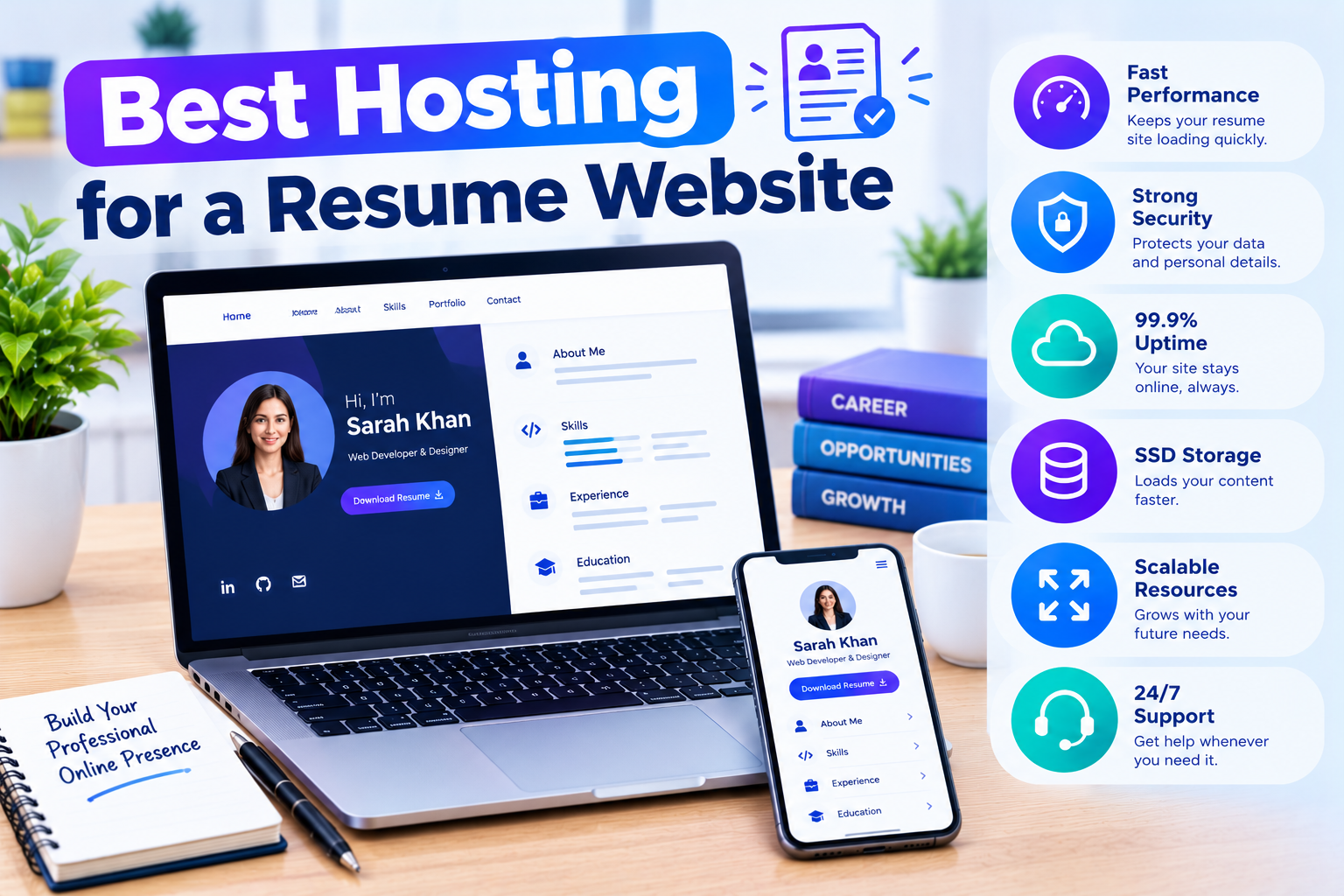
When you’re actively job searching, you don’t want to spend days setting up a website. A website builder is often the quickest path for a resume site specifically, since the layout needs are usually simple and standardized: a bio, work experience, skills, and contact information.
Hostinger’s AI website builder can generate a starting layout from a short description, which you then customize, often letting you have a live resume site within the hour. If you’d rather use WordPress, a simple one-page portfolio theme works just as well and still goes live quickly with a one-click install.
Offering a Downloadable Resume
Many resume sites include a button to download a PDF version, so a recruiter can save or forward it easily. This is a small file that uses negligible storage, well within even the most basic hosting plan’s limits.
Keep this file reasonably sized and make sure the link is easy to find, since this download is often the actual action a recruiter wants to take after browsing your site.
Why a Personal Domain Is Worth It Here Specifically
While a free subdomain from a website builder works technically, a personal domain, like yourname.com, reads as more deliberate and professional to someone evaluating you for a role. It’s a small detail that can subtly reinforce the polished impression you’re going for.
Hostinger includes a free domain for the first year on several plans, which covers this cost alongside your hosting without an extra separate purchase.
What You Probably Don’t Need
- Daily backups. A resume site you update occasionally is well covered by weekly backups.
- Multiple websites on one plan, unless you’re also hosting another personal project.
- High storage or bandwidth limits, since a resume site’s content is minimal by nature.
For a broader look at hosting plans and pricing, see our guide to the best cheap hosting for a new website.
People Also Ask: Best Hosting for a Resume Website
How quickly can I get a resume website live?
Using a website builder or a simple one-click WordPress theme, a basic resume site can often be live within an hour or two, including writing your content.
Do I need a custom domain for a resume website, or is a free subdomain fine?
A custom domain generally looks more professional to a recruiter than a free subdomain tied to a website builder’s branding, and it’s a low-cost addition on most hosting plans.
Should I use WordPress or a website builder for a resume site?
Either works well. A website builder is often faster for a simple, standardized layout, while WordPress offers more flexibility if you want to add a blog or portfolio section alongside your resume.
Is free hosting good enough for a resume website?
Generally not recommended. Free hosting often comes with ads, a less professional domain, or limited reliability, none of which help the polished impression a resume site is meant to create.
How do I add a downloadable PDF resume to my website?
Most website builders and WordPress let you upload a file and link to it directly from a button or link on your page. Keep the file reasonably sized and the link clearly visible.
Can I turn my resume site into a broader personal site later?
Yes. Many people expand a resume site into a fuller personal site over time, adding a blog, portfolio, or additional sections, and your existing hosting plan generally has plenty of room to grow into that.
Final Verdict: Best Hosting for a Resume Website
A resume website needs very little technically: fast, reliable hosting, free SSL, and a quick setup path, all of which Hostinger’s Premium plan covers at $2.99/mo. The real priorities are a clean, fast-loading design and a professional custom domain, not advanced hosting features.
Get it live quickly using a website builder or a simple one-click WordPress theme, add your downloadable resume, and spend your remaining time on the content itself, since that’s what will actually land the interview.