What Is Web Hosting and How Does It Work?
If you’re building your first website, web hosting is probably the first confusing term you’ll run into. It sits right next to “domain name” and “DNS,” and the three get mixed up constantly. The good news is that the concept is simpler than it sounds once you see it laid out plainly.
In this guide, we’ll explain exactly what web hosting is, how it works behind the scenes, and what actually happens in the few seconds between typing a web address and seeing a page load. We’ll also break down the main hosting types and what to look for in a provider. By the end, none of the jargon should feel intimidating anymore.

What Is Web Hosting, in Plain English?
Web hosting is a service that stores your website’s files on a server and makes them available to anyone who visits your site. Think of it like renting an apartment. Your domain name is your address, the part people type in to find you. Your hosting plan is the apartment itself, where your files, images, and databases actually live.
Without hosting, your website simply has nowhere to exist online. Every website you’ve ever visited, from a personal blog to a massive online store, is stored on a server somewhere, made accessible through a hosting provider.
How Web Hosting Actually Works
Here’s what happens in the two or three seconds between typing a website address and seeing the page appear:
- You type a domain name into your browser. For example, yourwebsite.com.
- Your browser asks a DNS server to translate that name into an IP address. DNS works like the internet’s phone book, matching human-readable names to the numeric address of the server storing your site.
- Your browser connects to the hosting server at that IP address. This happens using the HTTP or HTTPS protocol, with HTTPS adding encryption via an SSL certificate.
- The server locates and sends back your website’s files. This includes the HTML, images, and any dynamic content your site needs to display.
- Your browser assembles and displays the page. The whole process, from typing the address to seeing the finished page, usually takes just a couple of seconds on a well-configured host.
Types of Web Hosting Explained
Not all hosting works the same way. Here’s how the main types compare:
| Type | How It Works | Typical Price | Best For |
|---|---|---|---|
| Shared hosting | Many sites share one server’s resources | $2–$10/mo | Beginners, blogs, small sites |
| WordPress hosting | Shared or managed hosting tuned for WordPress | $3–$15/mo | WordPress-based websites |
| Cloud hosting | Resources drawn from a network of servers | $10–$30+/mo | Growing sites, stores, spikes |
| VPS hosting | A virtual, dedicated slice of a shared server | $15–$60/mo | More control without a full server |
| Dedicated hosting | One entire physical server for your site | $80–$300+/mo | Large, high-traffic websites |
Prices are typical industry ranges and vary by provider. Always confirm current pricing at checkout before purchasing.
Where to Start: A Beginner-Friendly Way to Get Hosted
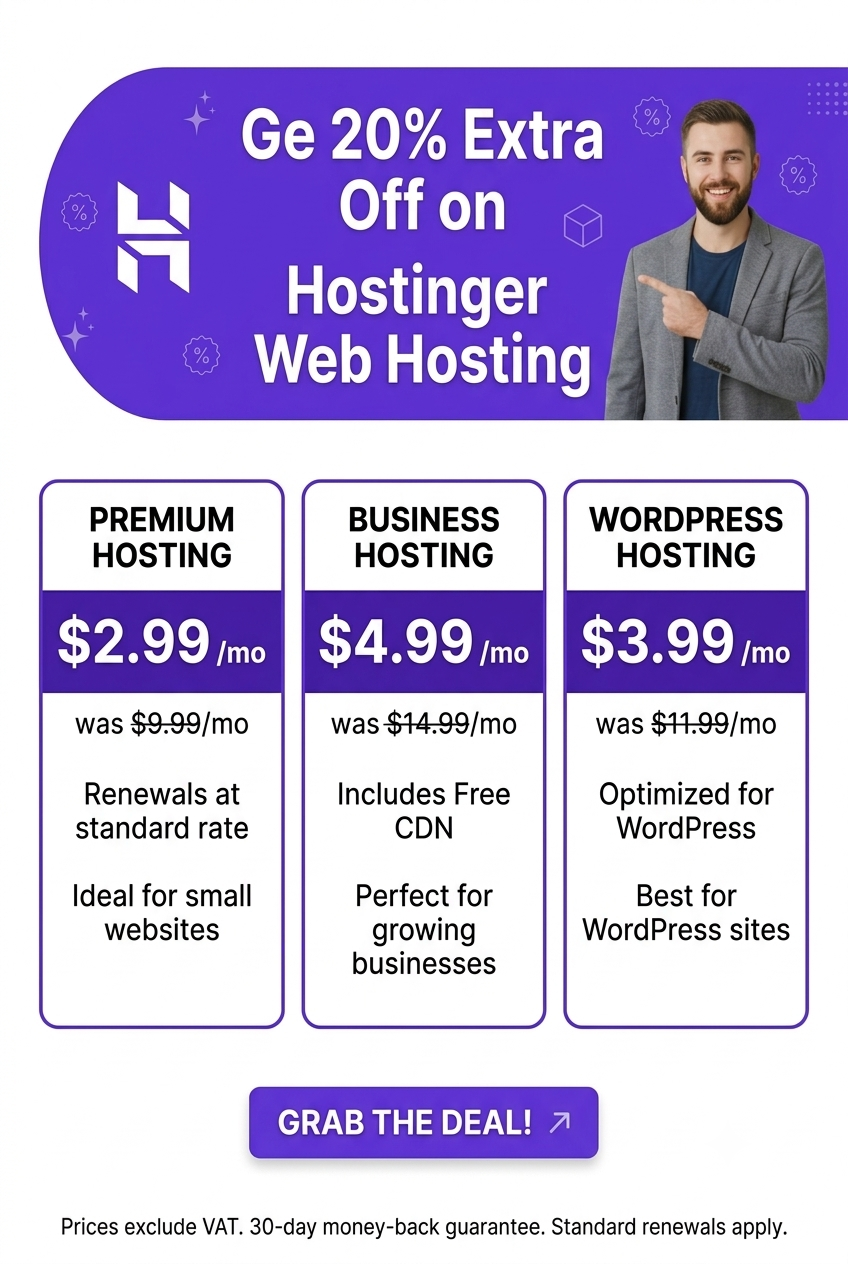
If all of this still feels like a lot, the simplest path is starting with shared hosting from a provider built for beginners. Hostinger, for example, offers plans starting around $2.69/month that include a free domain, free SSL, and a one-click WordPress installer, so you can go from nothing to a live website in under an hour.
A few reasons this kind of starter plan makes sense for a first website:
- You don’t need to understand server management. The provider handles the technical infrastructure for you.
- Everything you need bundles into one plan: hosting, a domain, email, and security, instead of separate purchases.
- Upgrading later is simple. Most hosts, including Hostinger, let you move from shared to cloud or VPS hosting without switching providers.
- 24/7 support is available if you get stuck, which matters most in your first few weeks online.

What to Look For in a Hosting Provider
Whichever type of hosting you choose, a few factors matter across the board:
- Uptime: Look for a provider guaranteeing at least 99.9% uptime, since downtime directly means lost visitors.
- Speed: Faster load times improve both user experience and search rankings, since Google factors server response time into Core Web Vitals.
- Security: Free SSL and regular backups should come standard, protecting both your data and your visitors’.
- Support: 24/7 live chat is the baseline most beginners should expect, especially in the early setup phase.
- Room to grow: Choose a host that lets you upgrade your plan later without migrating your whole site elsewhere.
People Also Ask
What is web hosting in simple terms?
Web hosting is a service that stores your website’s files on a server and makes them accessible to visitors online. Without it, a website has nowhere to live, the same way a house needs land to be built on.
Do I need both a domain and hosting?
Yes. A domain is your website’s address, while hosting is the storage space where your site’s actual files live. You need both together for a website to work, though many providers bundle a free domain with a hosting plan.
Which type of hosting is best for beginners?
Shared hosting is generally the best starting point for beginners. It’s the most affordable option, requires no server management knowledge, and typically includes a one-click WordPress installer to get a site live quickly.
Can I switch hosting types later as my site grows?
Yes. Most hosts, including Hostinger, let you upgrade from shared to cloud or VPS hosting without switching providers, avoiding the extra work of a full migration to a new company.
How much does web hosting typically cost?
Shared hosting typically starts around $2 to $10 per month on a long-term plan. Cloud and VPS hosting run higher, generally $10 to $60 per month, while dedicated servers can cost $80 to $300 or more per month.
Final Takeaway
Web hosting doesn’t need to feel complicated once you see what’s actually happening: your files live on a server, and hosting is what connects visitors to them. For most beginners, shared hosting from a provider like Hostinger is the simplest and most affordable way to get started, with room to upgrade as your site grows. Once you understand the basics, choosing a plan becomes a lot less intimidating.
